How to stake your new WARD on Base
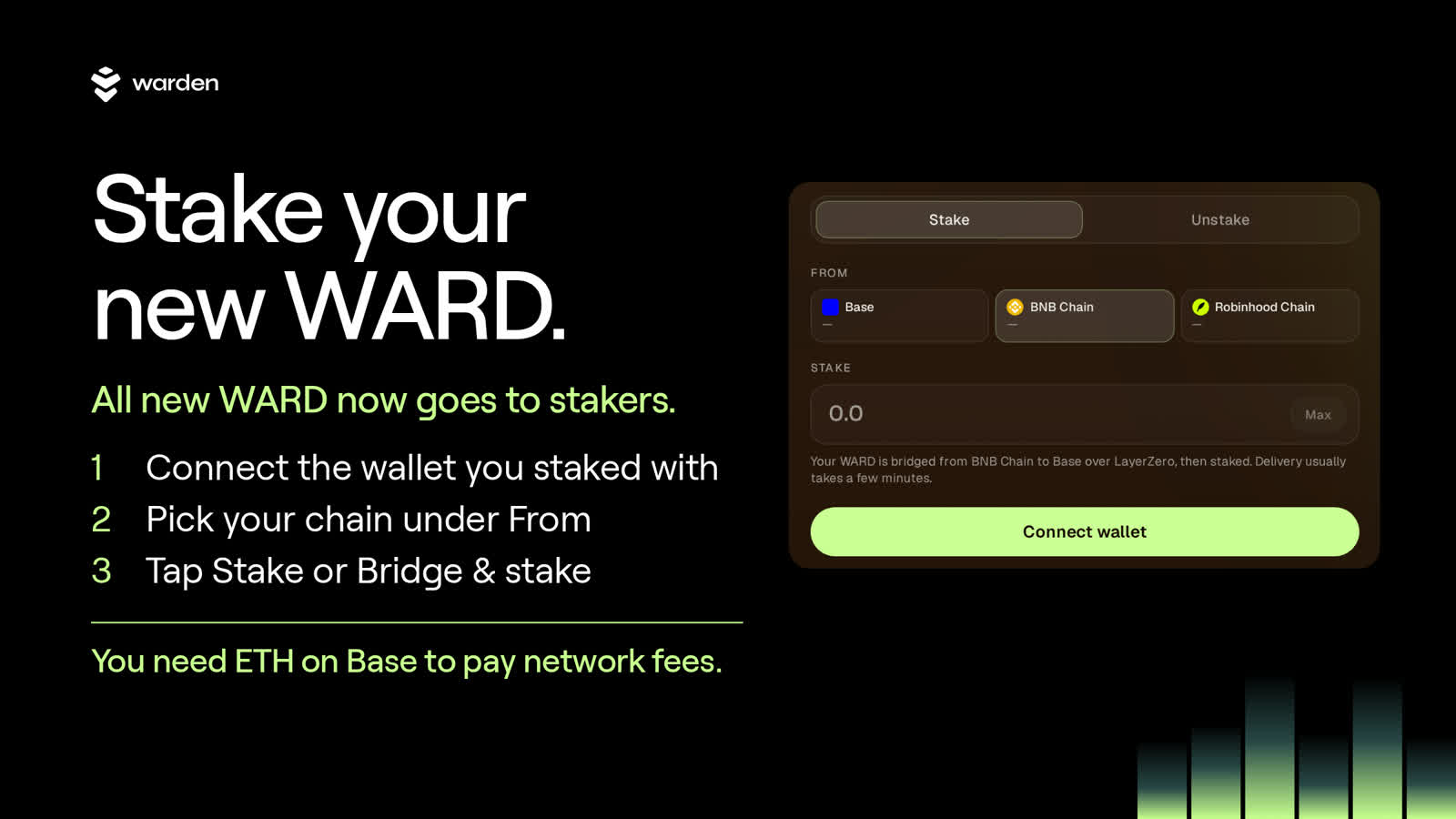
Main Takeaways
WARD staking now runs on Base. All new WARD goes to stakers, and rewards are added to your stake automatically. Connect your wallet, pick the chain your WARD is on under From, enter an amount and tap Stake. Keep ETH on Base for network fees.
Why staking moved to Base
WARD now lives on Base, with BNB Chain and Robinhood Chain supported from day one. Staking moved with it: staking with validators on Warden Chain has moved to a vault on Base. Under the revenue era proposal, all new WARD goes to stakers, and inflation drops from 10% to 5% a year.
The proposal passed the vote, and the migration date was 29 October 2026 at 08:00 UTC. You stake in the Staked WARD vault on Base and receive sWARD, a token that represents your stake.
This guide covers the whole loop: what you need, how to stake from Base or from another chain, what happens to a Warden Chain stake, how rewards work and how to unstake.
What you need before you start
You need a wallet, WARD on Base, BNB Chain or Robinhood Chain, and a little ETH on Base to pay network fees. Fees on Base are usually a fraction of a cent. Your wallet can be an embedded wallet created when you sign in with email or a social account, or an external wallet such as MetaMask or Rabby.
You need ETH on Base. Approving and staking WARD are Base transactions, and Base network fees are paid in ETH. With no ETH on Base, your transactions will not go through. Add a small amount before you start.
A wallet. If you staked before, use the same wallet.
WARD on Base, BNB Chain or Robinhood Chain. The portal shows how much WARD you hold on each chain.
A little ETH on Base for network fees.
Only if you stake from BNB Chain or Robinhood Chain: a little BNB (BNB Chain) or ETH (Robinhood Chain) on that chain for the bridge fee. The Help Center lists it as typically around 0.0017 BNB from BNB Chain or 0.0005 ETH from Robinhood Chain, and the portal shows the fee before you confirm.
How to stake WARD on Base, step by step
Open the staking portal, tap Connect wallet, choose the chain your WARD is on under From, enter an amount or tap Max, then tap Stake and confirm in your wallet. The portal shows each step as it completes. When it shows Staked, your sWARD is in your wallet on Base.
Open the staking portal and tap Connect wallet. Use the same wallet you staked with before.
Under From, tap the chain your WARD is on: Base, BNB Chain or Robinhood Chain. Each button shows how much WARD you hold there.
Enter an amount, or tap Max.
Tap Stake and confirm each transaction in your wallet. Your wallet switches network for you when needed.
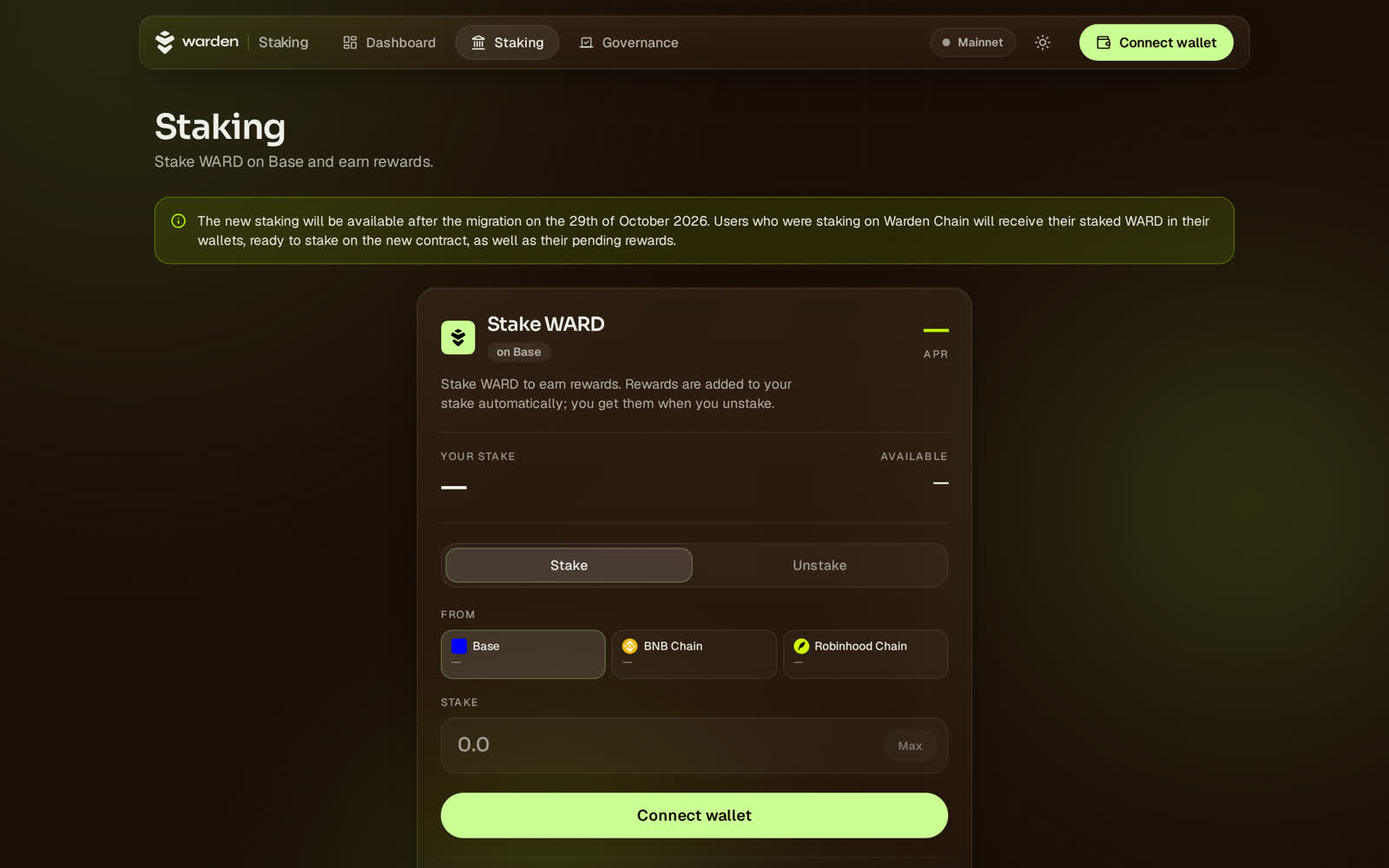
The Stake tab on staking.wardenprotocol.org before a wallet is connected. The banner at the top confirms that Warden Chain stakers receive their staked WARD and pending rewards in their wallets.
Staking from Base runs up to two transactions. Approve WARD lets the vault take the amount you are staking, and it is skipped if you already approved enough. Stake deposits your WARD and sends you sWARD.
Staking from BNB Chain or Robinhood Chain
If your WARD is on BNB Chain or Robinhood Chain, pick that chain under From and tap Bridge & stake. The portal sends your WARD to Base over LayerZero, waits for it to arrive, then stakes it. You confirm each transaction in your wallet. Keep a little BNB or ETH on the source chain for the bridge fee.
The portal runs these steps in order and shows each one as it completes:
Bridge to Base. Sends your WARD from BNB Chain or Robinhood Chain to Base over LayerZero.
Arrive on Base. The portal waits for your WARD to land, usually a few minutes. A LayerZero Scan link lets you follow it.
Approve WARD on Base. Skipped if you already approved enough.
Stake on Base. Deposits your WARD and sends you sWARD.
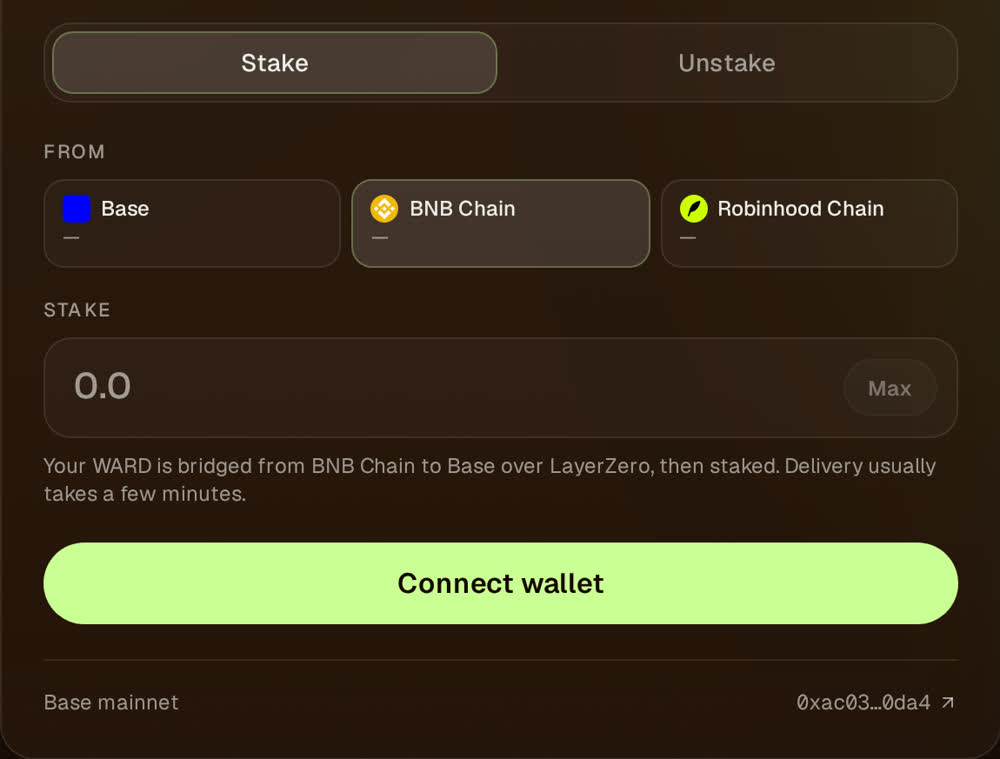
With BNB Chain selected under From, the portal explains the route: bridged to Base over LayerZero, then staked.
Bridging carries WARD to 6 decimal places. Anything finer stays on the source chain, and the portal trims the amount for you. If you close the page while your WARD is bridging, it still arrives on Base and you can stake it from Base later.
If you staked on Warden Chain
Warden Chain stakers do not need to unstake or claim anything. Your staked WARD and pending rewards arrive in your wallet on Base after the migration, ready to stake on the new contract. Connect the same wallet in the portal and follow the steps above.
Your old delegations still appear under Legacy staking on the portal, read-only. You can no longer stake, unstake or switch validators there.
There is nothing to migrate by hand. Warden will never message you to ask for your seed phrase or access to your tokens.
How rewards work
Rewards are added to your stake automatically. Your sWARD is a vault share, so each sWARD becomes worth a little more WARD over time while your sWARD balance stays the same. There is nothing to claim and nothing to restake. You collect everything when you unstake.
Rewards earn rewards, because they are part of your stake from the moment they are paid in. The reward rate is currently 5.00% APR, set by governance. A change needs a governance proposal and applies after a 48-hour delay, so check the portal for the current figure.
Once you stake, the portal shows your position:
Your stake: what you would get back if you unstaked now, rewards included.
Staked: the WARD you put in that is still staked.
Rewards: what your stake has earned.
Available: WARD in your wallet that you can stake, summed across the three chains.
How to unstake
Unstaking takes two steps with a cooldown between them. Open the Unstake tab, enter an amount or tap Max, and tap Start cooldown. After 7 days, tap Withdraw to receive your WARD, rewards included, in your wallet on Base. WARD in cooldown stops earning rewards.
Starting another cooldown restarts the timer for everything already cooling down. With 3 WARD and 2 days left, adding 1 more WARD means 4 WARD with a fresh 7 days.
Withdrawing takes everything that has finished cooling down in one transaction.
Unstaking pays out on Base. To move WARD to another chain afterwards, bridge it.
The 7-day cooldown is a current setting that governance can change after a 48-hour delay, within a range of 1 to 30 days.
Fees, limits and staying safe
Staking transactions pay network fees: ETH on Base, plus the bridge fee if you start from BNB Chain or Robinhood Chain. The portal shows the bridge fee before you confirm. Governance can pause the vault, and while it is paused staking, cooldowns and withdrawals are all blocked.
Check the contract. The Staked WARD vault (sWARD) on Base is 0xac030348309b6bFedf1b42e1cbc93f4077bF0da4.
There is nothing to claim. Anyone asking you to connect a wallet outside wardenprotocol.org is a scammer.
Official updates come only from x.com/wardenprotocol, t.me/warden_news and wardenprotocol.org.
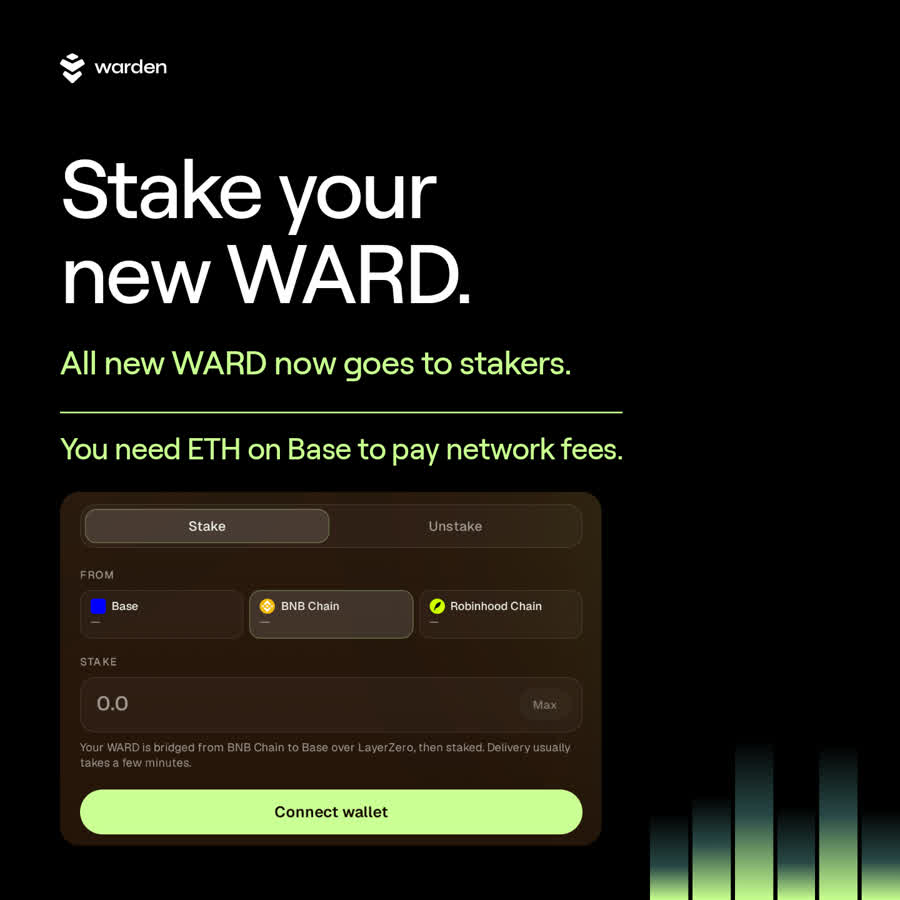
Connect, pick your chain under From, tap Stake. Keep ETH on Base.
FAQ
Do I need ETH on Base to stake WARD?
Yes. Approving and staking WARD are Base transactions, and Base network fees are paid in ETH. Fees on Base are usually a fraction of a cent, so a small amount is enough. Without ETH on Base, your transactions will not go through.
Can I stake WARD from BNB Chain or Robinhood Chain?
Yes. Pick that chain under From and tap Bridge & stake. The portal bridges your WARD to Base over LayerZero, then stakes it, and you confirm each transaction in your wallet. You also need a little BNB (BNB Chain) or ETH (Robinhood Chain) on that chain for the bridge fee.
How long does unstaking take?
Unstaking has a 7-day cooldown. Tap Start cooldown on the Unstake tab, wait 7 days, then tap Withdraw to receive your WARD, rewards included, on Base. WARD in cooldown stops earning rewards, and starting another cooldown restarts the timer for everything already cooling down.
Do I need to claim my staking rewards?
No. Rewards are added to your stake automatically, so there is nothing to claim and nothing to restake. Each sWARD becomes worth a little more WARD over time, and rewards earn rewards because they are part of your stake. You collect everything, rewards included, when you unstake.
What happens to my Warden Chain stake?
You do not need to unstake or claim anything. Your staked WARD and pending rewards arrive in your wallet on Base, ready to stake on the new contract. Connect the same wallet in the staking portal and follow the steps above. Old delegations stay visible under Legacy staking, read-only.
Full reference: Stake $WARD in the Help Center.